Overlays
Catch hesitation before it becomes an exit
Overlays show the right offer, product, or question at the moment a customer hesitates, triggered by live intent and targeted to the audiences you choose.
Before you go
Free returns on every size
Check out now and swap it later if the fit isn’t right.
Complete checkoutKeep browsingWhat it does
The right message at the right moment
Every overlay starts from what the customer is doing, and shows only to the customers it’s for.
Triggered by behavior
Show overlays on exit intent, scroll depth, time on page, inactivity, page count, clicks, or specific URLs.
- Exit intent
- Scroll depth
- Inactivity
- Page count
Targeted to the right customers
Match audiences, purchase stage, and location so each overlay reaches the customers it’s for.
- Cart abandoners
- High intent
- New visitors
Six formats
Popups, slide-ins, banners, fullscreen takeovers, notifications, and embedded blocks.
- Popup
- Slide-in
- Banner
- Fullscreen
- Notification
- Embedded
Offers, products, and lead capture
Add coupon codes, countdowns, product recommendations, quizzes, and forms.
- Coupon code
- Countdown
- Recommendations
- Quiz
- Form
Triggers
The moments overlays catch
One visit, five chances to help. Each overlay waits for the moment it’s built for.
- 1ImmediateLands from an adWelcome banner
- 2Scroll depthReads most of a product pageSize guide slide-in
- 3Page countViews a fifth productProduct finder quiz
- 4InactivityGoes quiet on the cartFree shipping notification
- 5Exit intentHeads for the close buttonLast-minute deal popup
Templates
Start from a template, make it yours
Pick from 60 ready-made templates for popups, slide-ins, banners, fullscreen takeovers, notifications, and embedded blocks, then edit every block to match your brand.
- Ready-made templates for every format
- Block-based editor
- Your store’s coupons as offers


 Solène pendant$420Add
 Fine band, 2 mm$310Add
AI assistant
How the overlay assistant works
Tell the Upsurge assistant what you need in plain language. It drafts the overlay, edits it with you, and leaves publishing to you.

Create a popup that collects emails for early access to our next running drop.
Make the button green.
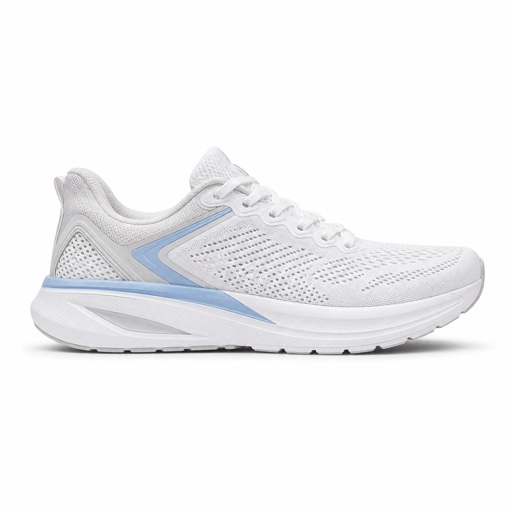
Members list
First in line for the next drop
Get early access to new running releases before they hit the store.
Enter your emailRequest accessNo thanksDescribe what you want
Ask in plain language, or name a built-in template to start from.
Watch the draft come together
The assistant builds it with your products, media, and brand theme, and applies it to the editor.
Fine-tune and target it
Change the copy, colors, triggers, or targeting by asking. Each change lands as an unsaved edit.
Review and publish
Nothing goes live until you check the draft and publish it yourself.